

Managing users
How to create new users?
Before creating a new role, make sure your role has the following permissions configured:
Admin.enableUsers.readUsers.create
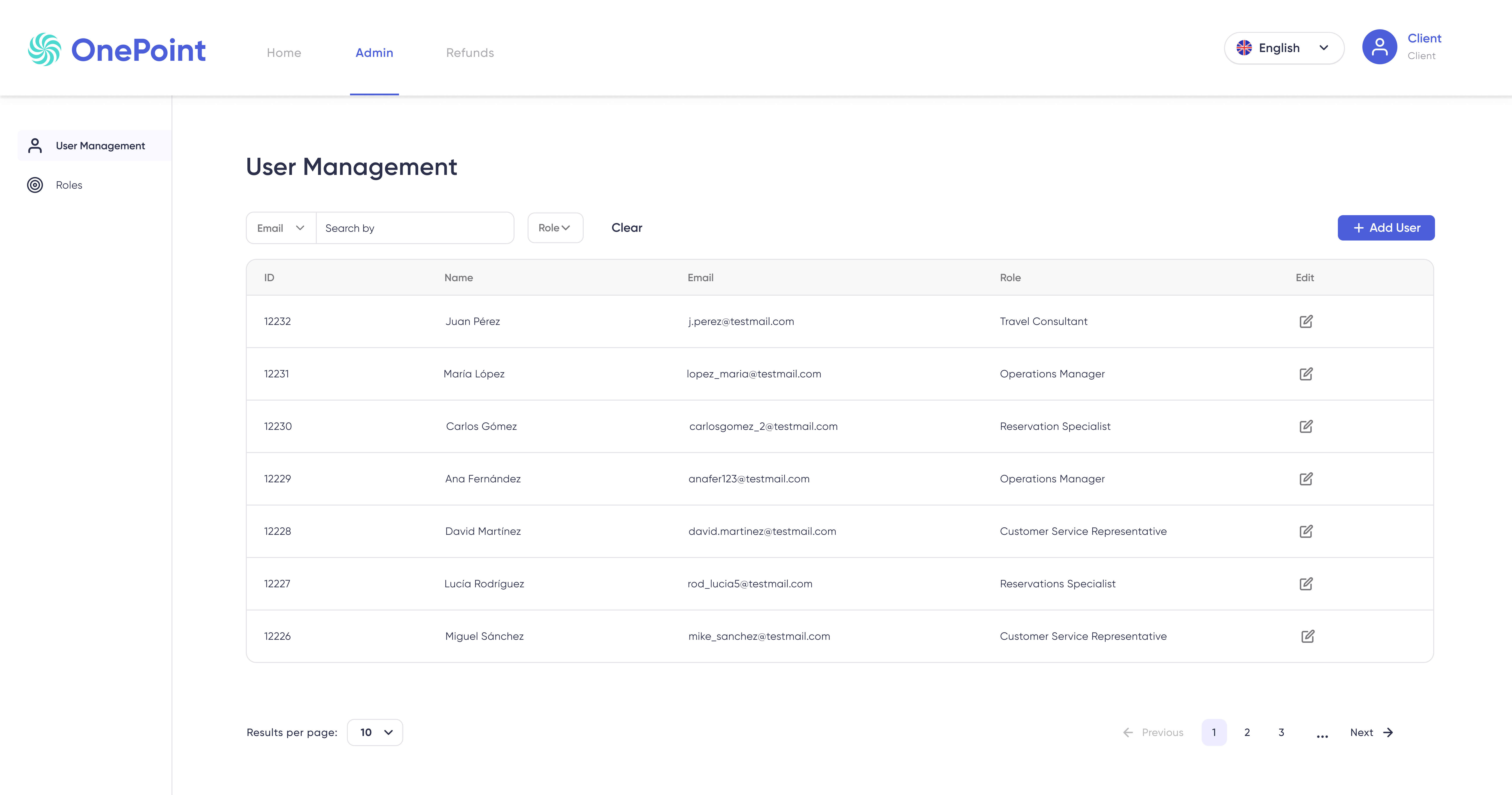
To create a new user, go to the Admin → User Management section, which will show you the users currently configured.
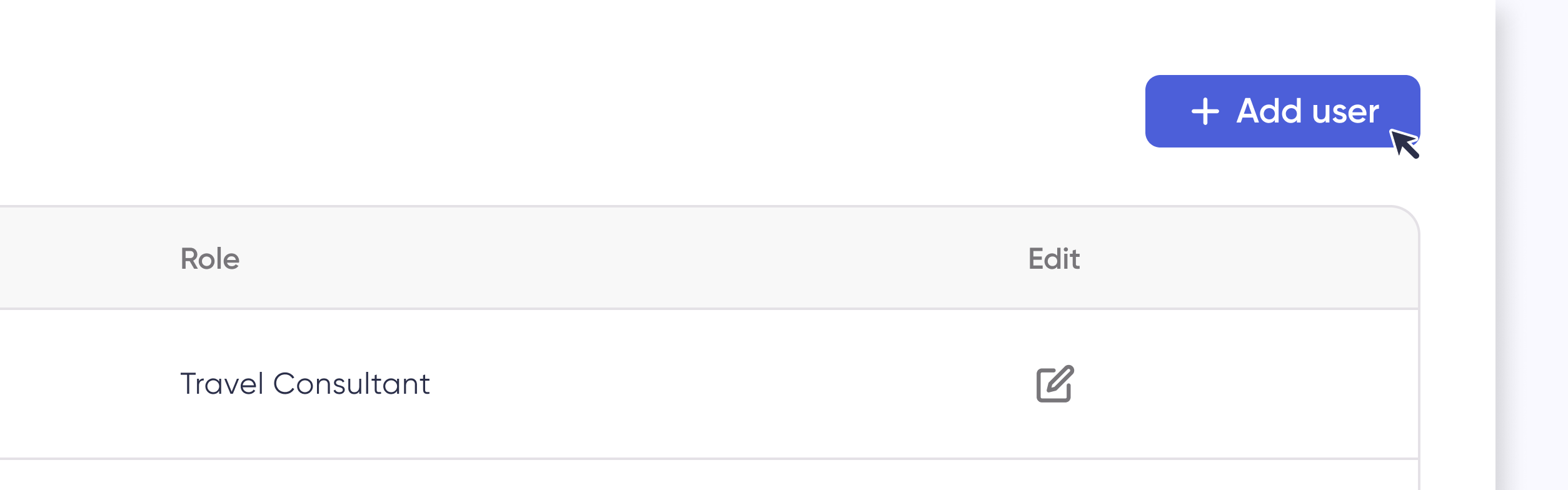
In the upper right corner, you will find a blue box labeled + Add user.
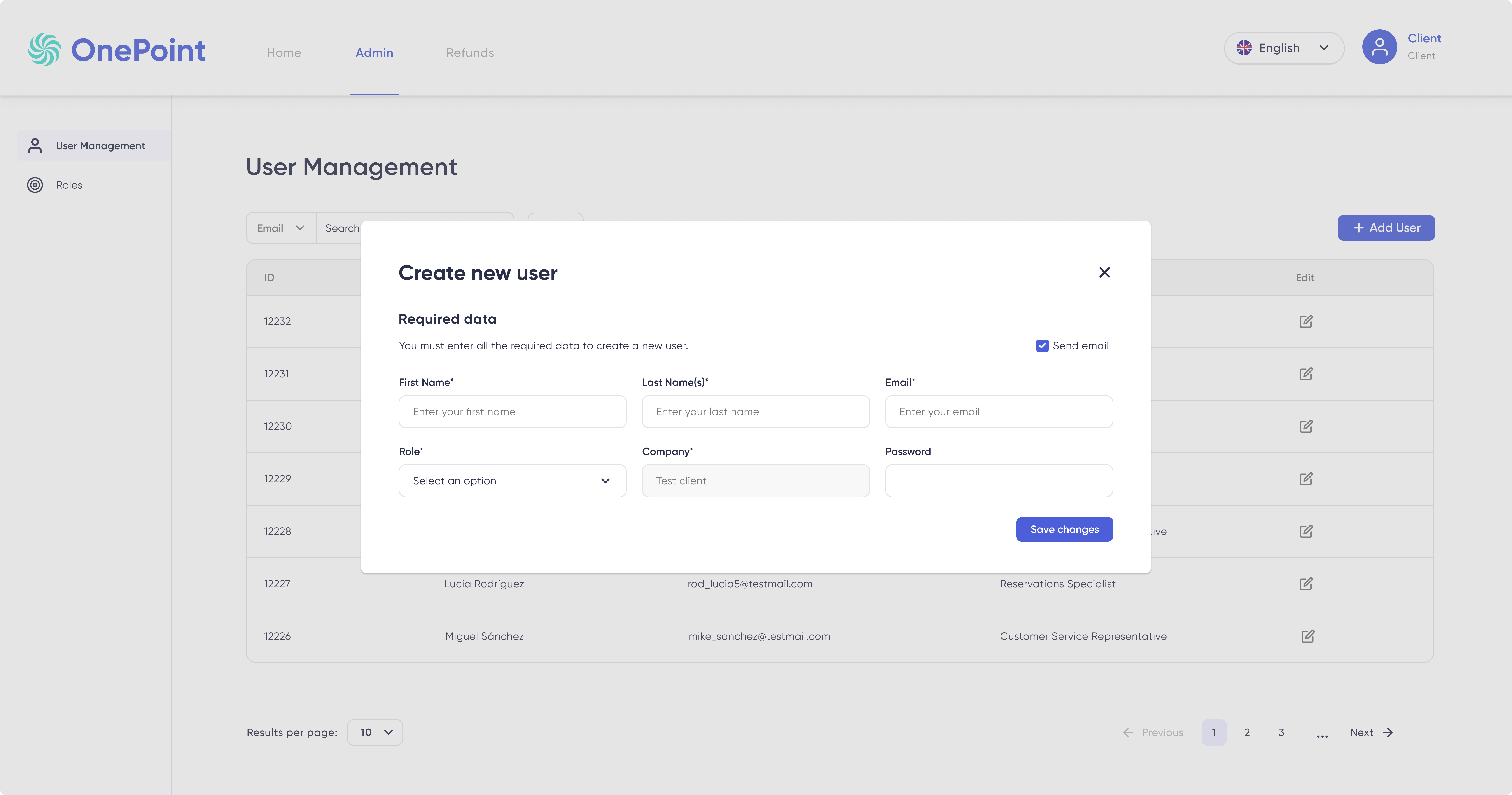
By clicking, a new window will open. Here you’ll need to fill in the following fields.
- First name
- Last name(s)
- Role
- Password
How to modify an user?
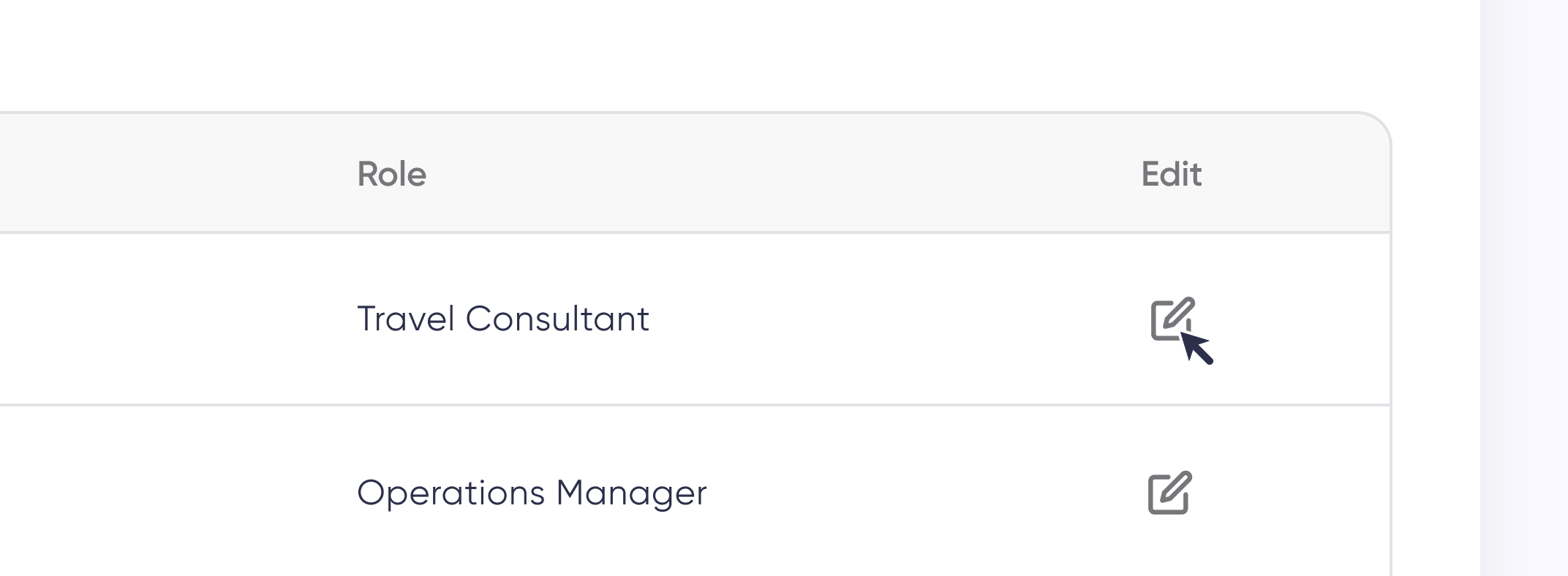
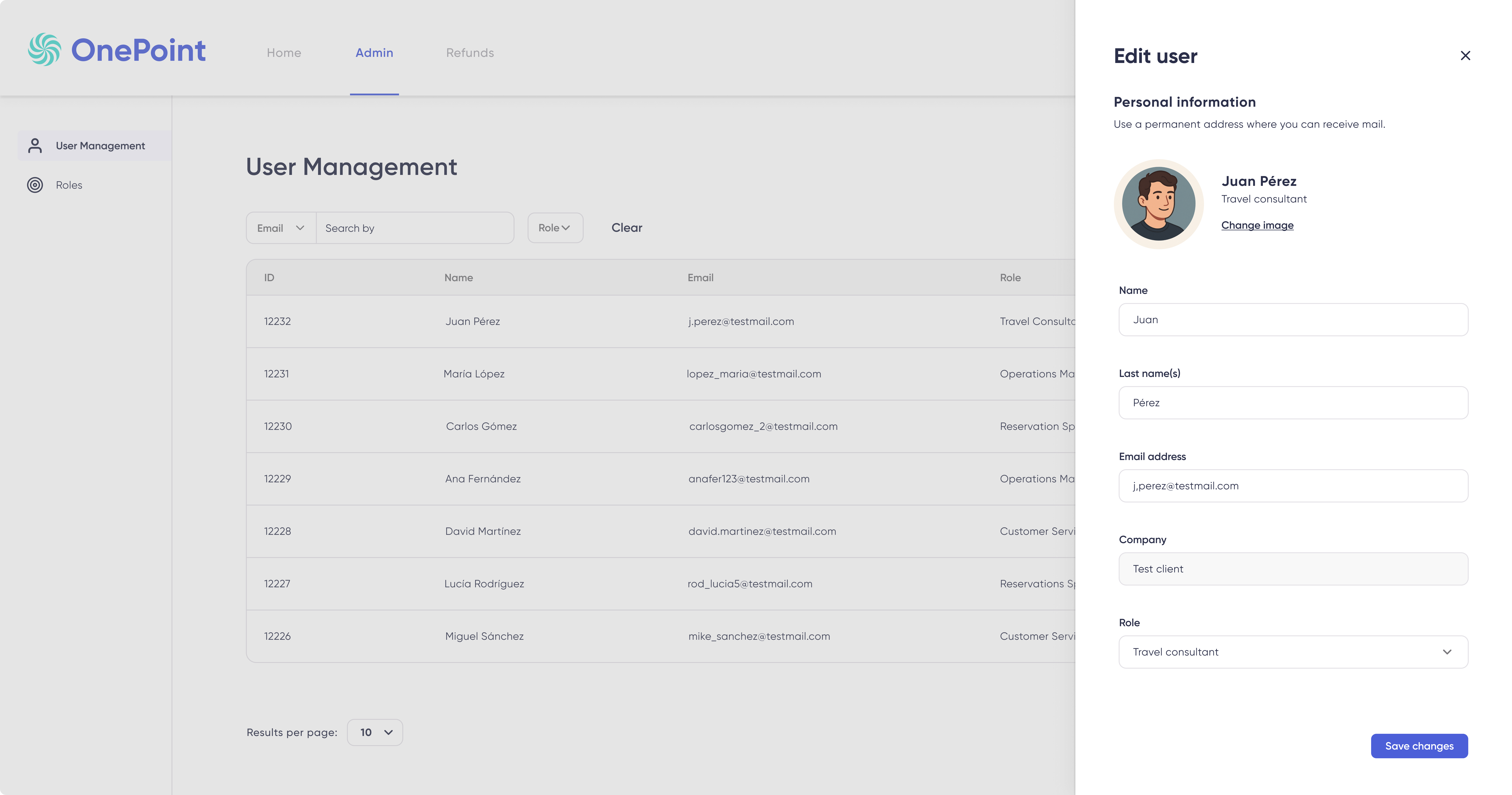
To edit an existing user, click on the Edit icon.
A side panel will open where you can change any of the following fields:
- First name
- Last name(s)
- Role
How to assign a role?
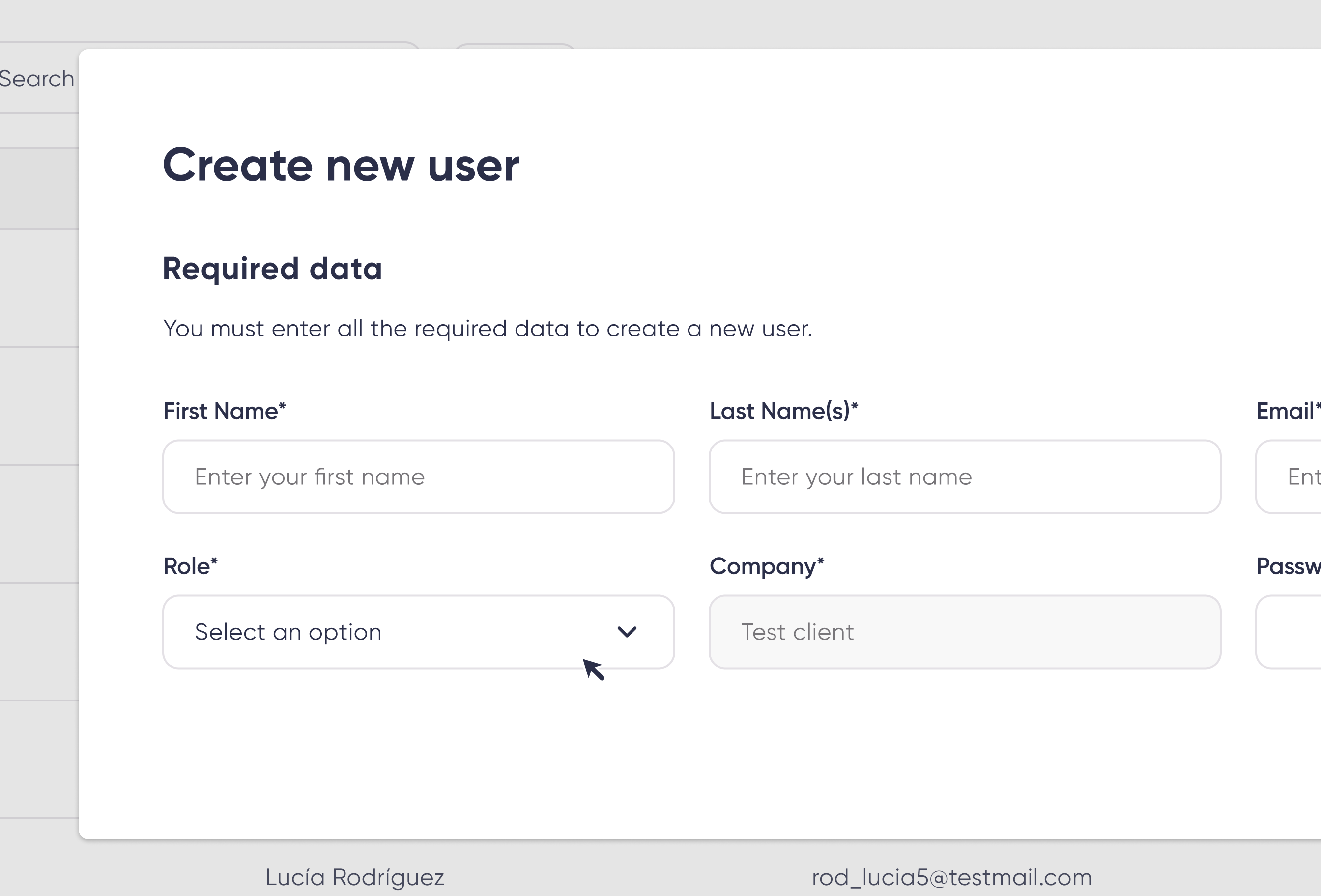
To assign a role, do so on the Create new user modal, there you'll find the Role field.
How to change role?
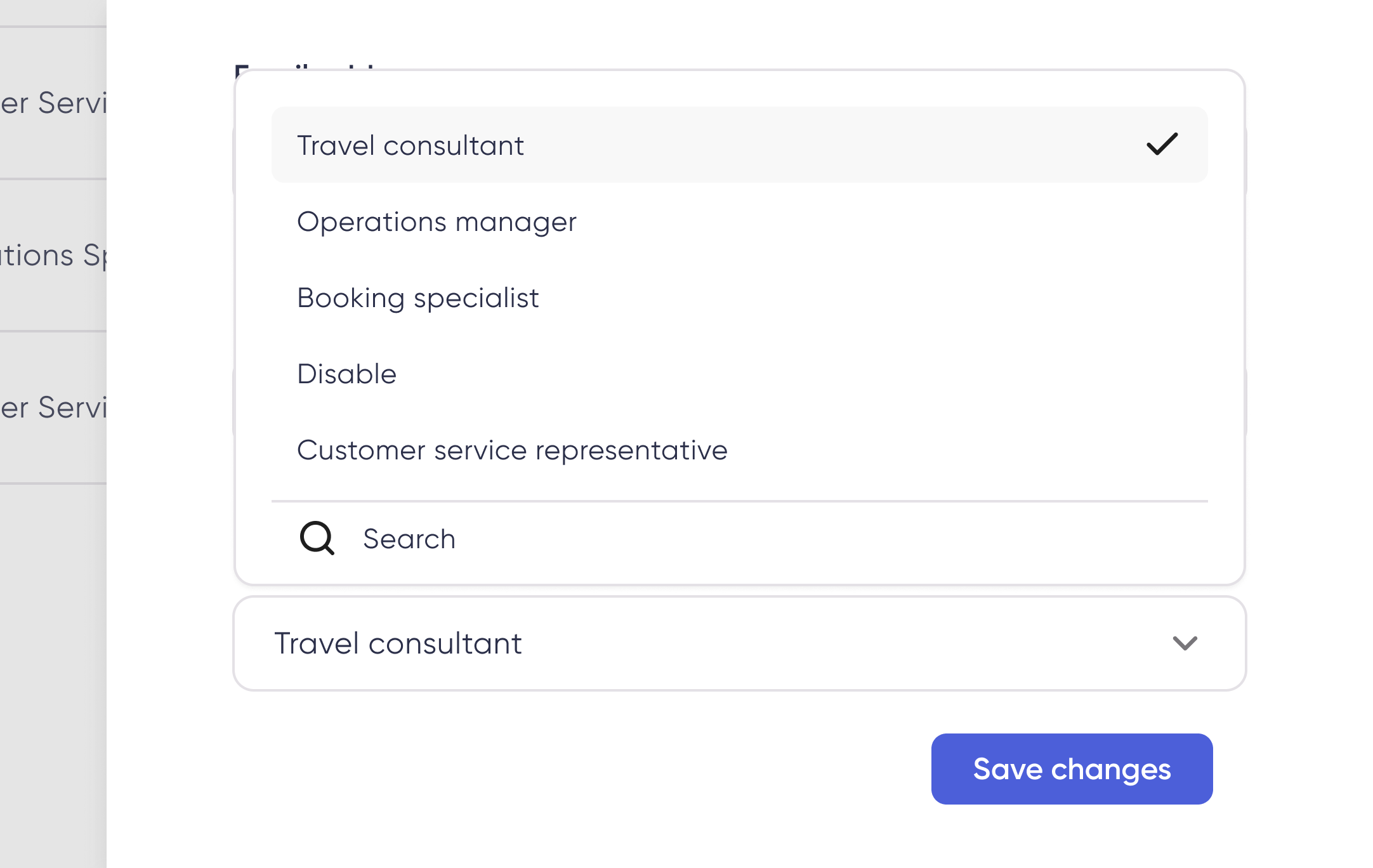
You can change a user's role by clicking on the Edit icon which will open the Edit User panel and enable you to change the current role to any of the available ones.
How to delete an user?
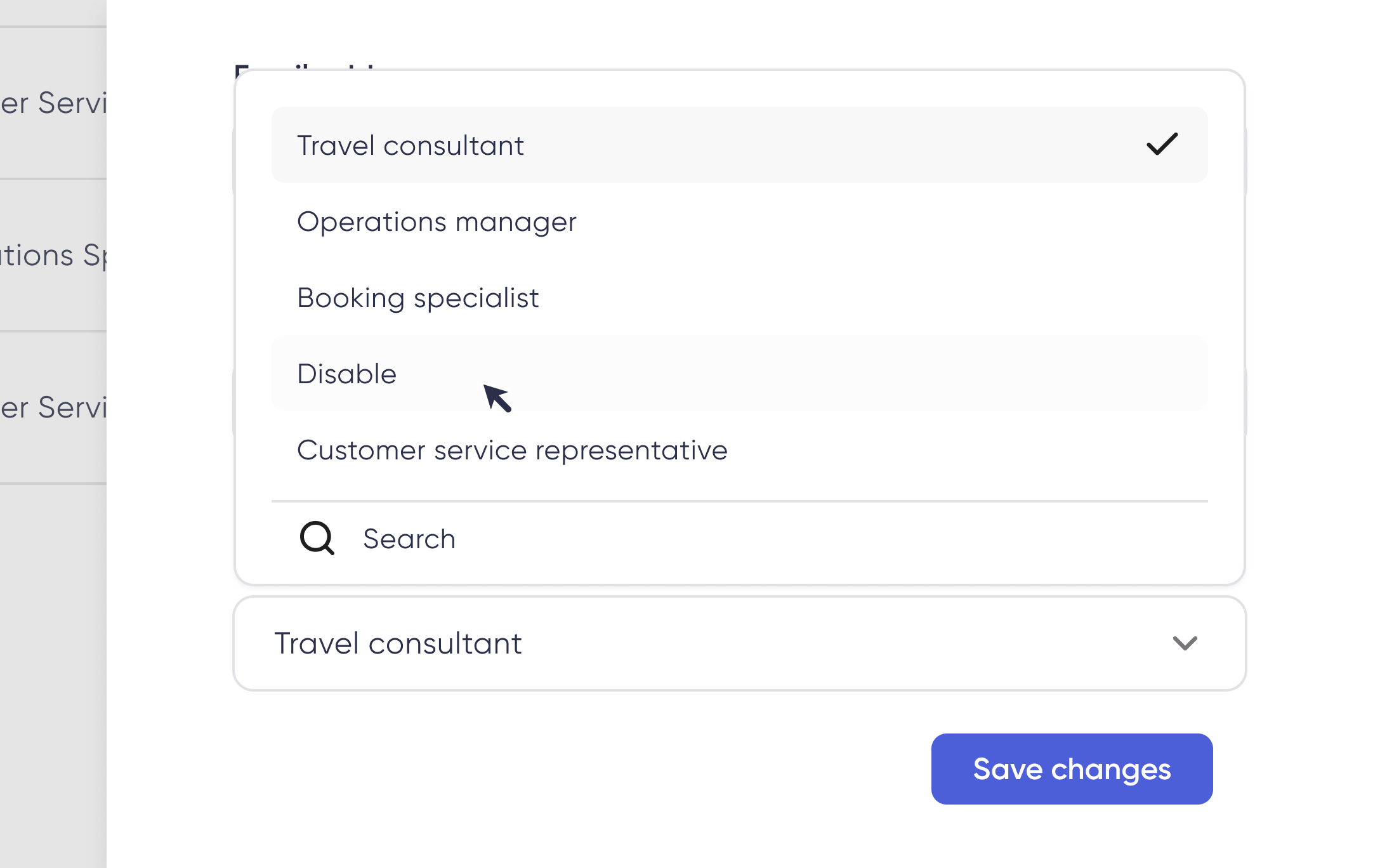
It is not possible to delete a user, however, you can create a Disabled role and control the access and permissions of that role. Assign them to the users you deem necessary.
FAQ
-
Is it possible to assign the same role to multiple users in bulk?
No, you must assign roles on a per-user basis.
Updated about 2 months ago